
How to Set Up CI/CD Using GitHub Actions
A GitHub Actions CI/CD pipeline automates code checks, testing, builds and deployment. This step-by-step guide explains how to configure your repository, SSH access and workflow to deploy an application to a Linux server.
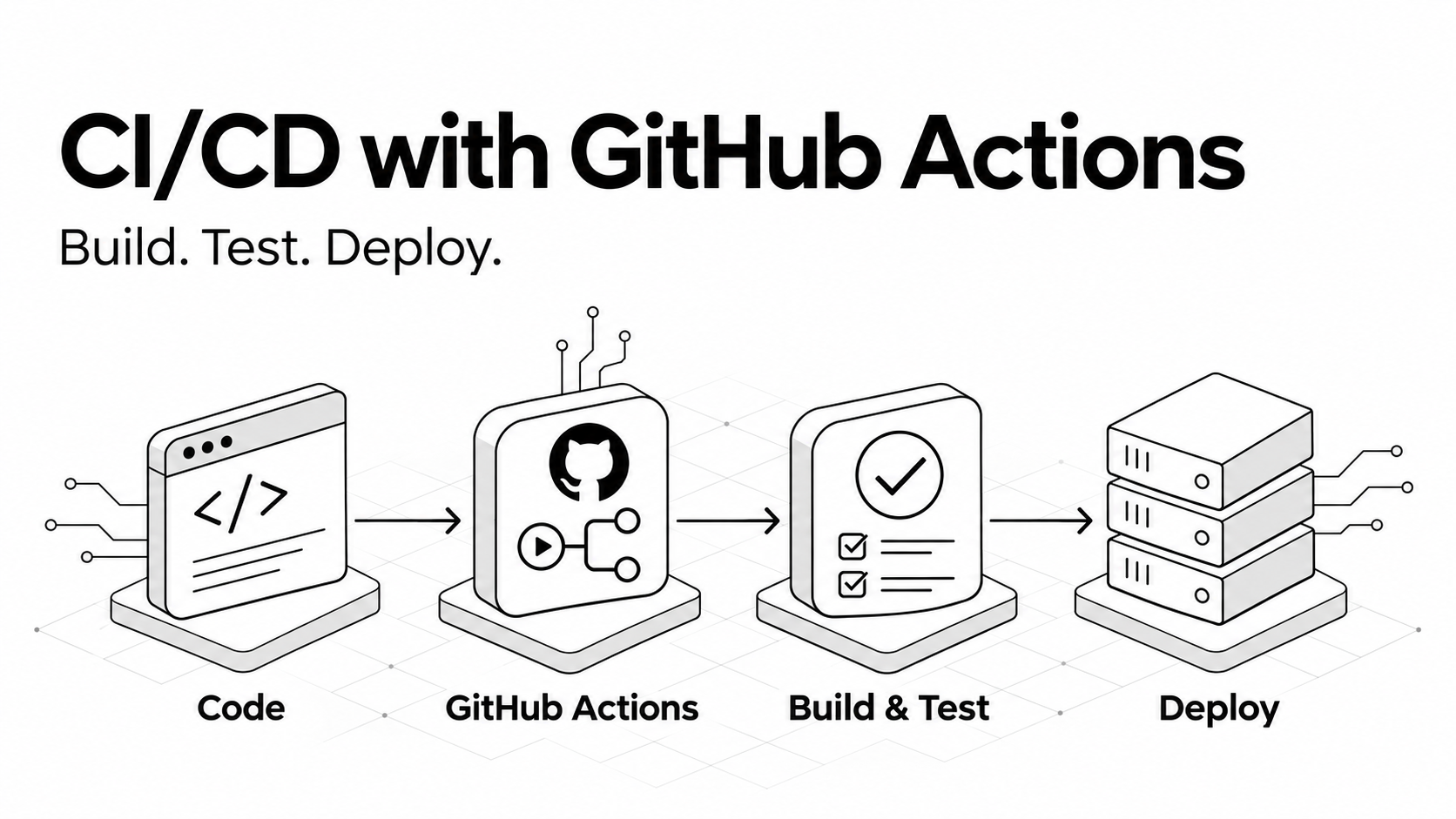
This guide builds a practical pipeline for a JavaScript application deployed to a Linux server over SSH. Pull requests run validation. Validated main-branch pushes can deploy to production.
The example assumes Ubuntu or Debian, an existing Apache or Nginx installation, SSH port 22, a committed npm lockfile and a static frontend that produces dist/. Replace the example hostname, user and deployment path with your own values.
1. Understand Your GitHub Actions CI/CD Pipeline
| Term | Purpose |
|---|---|
| Continuous Integration | Install dependencies, lint, run automated tests and verify the build. |
| Continuous Delivery | Prepare validated changes for a release that includes approval. |
| Continuous Deployment | Automatically release changes after the required checks pass. |
A GitHub Actions workflow responds to repository events. Jobs run on runners, and each job executes a sequence of steps. A step can run commands or use a reusable action.
To see how automated releases fit into a broader development process, read our software development life cycle guide.
2. Prepare the Project Locally
Local machine. Before creating your GitHub Actions CI/CD pipeline, confirm that installation, testing and build commands work locally. This article assumes your package.json defines lint, test:ci and build scripts.
npm ci
npm run lint
npm run test:ci
npm run build
Configure test:ci for your test framework so it runs once and exits with a failure status if a test fails. Commit package-lock.json. The workflow uses Node 22, so confirm that your project supports that runtime.
| Project | Typical output |
|---|---|
| Vite frontend | dist/ from npm run build |
| Create React App | build/ from npm run build |
| Nuxt static site | .output/public/ from npm run generate |
| Laravel backend | Application code with server-side Composer and Artisan release steps |
The workflow below uses dist/. Change both the build-output check and upload source if your framework uses a different directory.
3. Prepare the Server and Back Up the Site
Server administrator session. Create a dedicated deployment user and directory for a fresh static-site installation.
sudo adduser --disabled-password --gecos "" deploy_example
sudo install -d -m 755 -o deploy_example -g www-data \
  /var/www/example.com/public
sudo apt-get install -y rsync
Configure Apache or Nginx to serve this directory. For client-side routing, configure an index.html fallback for application routes. Verify web-server read access.
For an existing site, create a backup before replacing content or changing ownership.
sudo install -d -m 700 /var/backups/example
sudo tar -czf \
  "/var/backups/example/public-$(date +%Y%m%d-%H%M%S).tar.gz" \
  -C /var/www/example.com public
If an existing static directory belongs to another user, assign this exact deployment tree to the deployment account and check all nested directories.
sudo chown -R deploy_example:www-data /var/www/example.com/public
sudo find /var/www/example.com/public -type d -exec chmod 755 {} +
sudo find /var/www/example.com/public -type f -exec chmod 644 {} +
sudo -u deploy_example find /var/www/example.com/public \
  -type d ! -writable -print
The last command should return no paths. Backend applications need their own runtime-storage permissions, so adapt the static-file example for those projects.
For WordPress deployments, review our WordPress website security guide when preparing the site and its access controls.
4. Configure SSH Authentication
Local machine. Generate a dedicated key pair. If the filename already exists, inspect the existing pair before overwriting it.
mkdir -p ~/.ssh
chmod 700 ~/.ssh
ssh-keygen -t ed25519 -N "" \
-f ~/.ssh/github_actions_example -C "github-actions:example"| File | Use |
|---|---|
| github_actions_example | Private key saved as a GitHub repository secret |
| github_actions_example.pub | Public key added to the server deployment account |
The empty passphrase allows the automation key to load without a prompt. Keep its private content out of Git, logs and messages.
Read the public key on your local machine and copy its complete line.
cat ~/.ssh/github_actions_example.pubServer administrator session. Prepare the SSH directory and paste the public key into authorized_keys on its own line. Preserve existing entries.
sudo install -d -m 700 -o deploy_example -g deploy_example \
  /home/deploy_example/.ssh
sudo nano /home/deploy_example/.ssh/authorized_keys
sudo chown deploy_example:deploy_example \
  /home/deploy_example/.ssh/authorized_keys
sudo chmod 600 /home/deploy_example/.ssh/authorized_keys
Inspect the server public host key and fingerprint through a trusted administrator session.
sudo cat /etc/ssh/ssh_host_ed25519_key.pub
sudo ssh-keygen -lf /etc/ssh/ssh_host_ed25519_key.pub
Then test login from your local machine. Compare the fingerprint with the trusted output before accepting the first connection.
ssh -i ~/.ssh/github_actions_example -o IdentitiesOnly=yes \
  deploy_example@example.com 'whoami'
Expected output is deploy_example.
5. Add GitHub Repository Secrets
Open Settings → Secrets and variables → Actions → New repository secret in your GitHub repository.
| Secret | Value |
|---|---|
| DEPLOY_SSH_KEY | Full private key, including BEGIN and END lines |
| DEPLOY_HOST | example.com |
| DEPLOY_USER | deploy_example |
| DEPLOY_PATH | /var/www/example.com/public |
| DEPLOY_KNOWN_HOSTS | Verified server public host-key entry |
For SSH port 22, the known-hosts entry uses the same hostname as DEPLOY_HOST followed by the trusted host key type and key data.
example.com ssh-ed25519 ACTUAL_SERVER_PUBLIC_HOST_KEYReplace the placeholder with the actual server public host key. The deployment key authenticates the runner. The server host key verifies the destination identity.
The sample workflow reads secrets.NAME. If you store non-sensitive settings in Repository Variables, use vars.NAME for those entries. A mismatch between these locations produces empty values.
6. Supply Production Build Configuration
The GitHub runner is a separate machine and needs the configuration required to build your application.
Use a committed environment file containing public settings, or provide build variables through the workflow according to your framework. Static frontend values become part of browser-delivered files, even when their source was stored as a secret.
Keep actual API credentials and database passwords in the backend or an appropriate secret store. For static output, changing a server environment file after the build does not rewrite the deployed JavaScript. Rebuild and redeploy when embedded settings change.
7. Create Your GitHub Actions CI/CD Pipeline
Create .github/workflows/deploy.yml in the local repository. This GitHub Actions CI/CD pipeline checks pull requests and deploys validated changes from the main branch.
For the first trial, omit the push trigger and add –dry-run to the rsync command. Follow Step 8 before enabling automatic live releases.
name: Validate and deploy

on:
  pull_request:
    branches: [main]
  push:
    branches: [main]
  workflow_dispatch:

permissions:
  contents: read

concurrency:
  group: example-${{ github.ref }}
  cancel-in-progress: false

jobs:
  validate-and-deploy:
    runs-on: ubuntu-latest
    timeout-minutes: 20

    steps:
      - name: Checkout application
        uses: actions/checkout@v6
        with:
          persist-credentials: false

      - name: Set up Node
        uses: actions/setup-node@v6
        with:
          node-version: "22"
          cache: npm

      - name: Install dependencies
        run: npm ci

      - name: Lint
        run: npm run lint

      - name: Test
        run: npm run test:ci

      - name: Build
        run: |
          npm run build
          test -s dist/index.html

      - name: Deploy
        if: github.event_name != 'pull_request' && github.ref == 'refs/heads/main'
        env:
          SSH_KEY: ${{ secrets.DEPLOY_SSH_KEY }}
          KNOWN_HOSTS: ${{ secrets.DEPLOY_KNOWN_HOSTS }}
          DEPLOY_HOST: ${{ secrets.DEPLOY_HOST }}
          DEPLOY_USER: ${{ secrets.DEPLOY_USER }}
          DEPLOY_PATH: ${{ secrets.DEPLOY_PATH }}
        run: |
          set -eu
          : "${SSH_KEY:?Missing deployment key}"
          : "${KNOWN_HOSTS:?Missing server host key}"
          : "${DEPLOY_HOST:?Missing deployment host}"
          : "${DEPLOY_USER:?Missing deployment user}"
          test "$DEPLOY_PATH" = "/var/www/example.com/public"

          umask 077
          mkdir -p "$HOME/.ssh"
          printf '%s\n' "$SSH_KEY" > "$HOME/.ssh/deploy_key"
          printf '%s\n' "$KNOWN_HOSTS" > "$HOME/.ssh/known_hosts"

          rsync -rlptz \
            --itemize-changes \
            --chmod=D755,F644 \
            -e "ssh -i $HOME/.ssh/deploy_key -o IdentitiesOnly=yes -o BatchMode=yes -o StrictHostKeyChecking=yes" \
            dist/ "$DEPLOY_USER@$DEPLOY_HOST:$DEPLOY_PATH/"

      - name: Remove temporary SSH key
        if: always()
        run: rm -f "$HOME/.ssh/deploy_key"
Failed lint, test or build steps prevent the later upload. Pull requests validate code, while the deployment condition limits uploads to main-branch pushes and manual main runs. Concurrency prevents simultaneous active runs in the same group, but does not provide a guaranteed FIFO queue.
The example uses readable action version tags. For tighter control, pin reusable actions to verified full commit SHAs and update the pins deliberately.
8. Test a Preview and Enable Live Deployment
After applying the first-trial changes from Step 7, commit the file to the default branch.
git add .github/workflows/deploy.yml
git diff --cached --check
git commit -m "Add CI and deployment preview"
git push origin main
Open Actions → Validate and deploy → Run workflow → main. Review dependency installation, lint, tests, build output and the rsync preview. A dry run cannot prove every actual write will succeed, so also check server permissions.
Once the preview and backup are verified, remove –dry-run and run a manual live deployment. Test the application. Then add the push trigger shown in the complete example, commit and push again. That push will start deployment.
The sample uploads files in place and retains remote-only files. A failed transfer can leave a partial release. Versioned release directories and a controlled current-symlink switch provide atomic release switching and a clearer code rollback path.
9. Adapt the Release Steps to Your Framework
| Application | Release work |
|---|---|
| Static React or Vue | Build and upload generated assets, preserve required routing configuration and test nested routes. |
| Nuxt static | Generate output with the required public API configuration and upload .output/public/. |
| Node or Nuxt server-rendered | Deploy server output and required dependencies, manage its service and verify service health. |
| Laravel | Install production Composer dependencies, preserve .env and storage, apply reviewed migrations, rebuild caches and coordinate workers. |
For backend releases, take a database backup before reviewed schema changes. Coordinate maintenance mode and queue workers so requests and jobs do not use partially updated code. Give the deployment account only the specific service-management commands it needs.
After the code and dependencies are ready, rebuild required caches, resume workers and bring the application online. Restoring an old code directory does not reverse database migrations, so database recovery needs its own procedure.
10. Verify the Release and Troubleshoot
After each release, review your GitHub Actions CI/CD pipeline logs and test the application’s main user flows. Verify the homepage, direct nested-route visits, login, API requests and an application-specific operation. Add an HTTP health check as the pipeline matures.
| Failure | What to inspect |
|---|---|
| Empty configuration value | Variable name, scope and secrets versus vars reference |
| SSH authentication failure | Username, key pair and authorized_keys permissions |
| Host verification failure | Verified host key, connection hostname and port |
| Upload permission denied | Ownership and write access in every destination subdirectory |
| Build fails only in CI | Runtime version, lockfile, environment and warning policy |
| Nested page returns 404 | Apache or Nginx application-route fallback |
| Worker runs old code | Worker release sequence, cache permissions and process status |
When a GitHub Actions CI/CD pipeline fails, read the failed step before retrying. A server permission fix usually needs no new commit. A YAML change needs a commit and a run using the updated workflow.
Keep validation strict where possible. Document temporary exceptions that allow existing warnings. Production environments can add approvals, branch restrictions and environment-scoped secrets, subject to repository and plan availability. Branch protection can require CI checks before merging.